"Your transaction data never leaves your machine. No upload, no account, no tracking — the entire calculation runs locally in your browser."
Note: The app interface is currently German only — it computes reports for the German tax system (§ 23 EStG, FiFo method, one-year holding period). This guide walks you through every step so the German UI is no obstacle.
Want to dive right in?
→ Open the demo (free, with sample data) · → Get access — €29
Just your CSV exports. Every broker and the BitBox app offer an export — downloading once a year is enough:
| Source | Where to export |
|---|---|
| BitBox | BitBoxApp → Account info → Export transaction history (one CSV per wallet) |
| 21bitcoin | App → Activity → Export report |
| Bison | App → Account → Reports → Transaction history (CSV arrives via email) |
| Swissquote | Web → Account → Transactions → CSV export |
| Strike | App/Web → Activity → Generate report |
| Web → History → Download CSV | |
| Bisq | Portfolio → History → Export |
Purchases without a CSV (Robosats, cash, P2P) or from brokers without a dedicated parser go into
a simple manual_buys.csv — details below.
Open your access link. Drag all CSV files into the dashed zone at once — or click it and select the files. Order does not matter, file names do not matter: the app detects every broker automatically from the file contents.
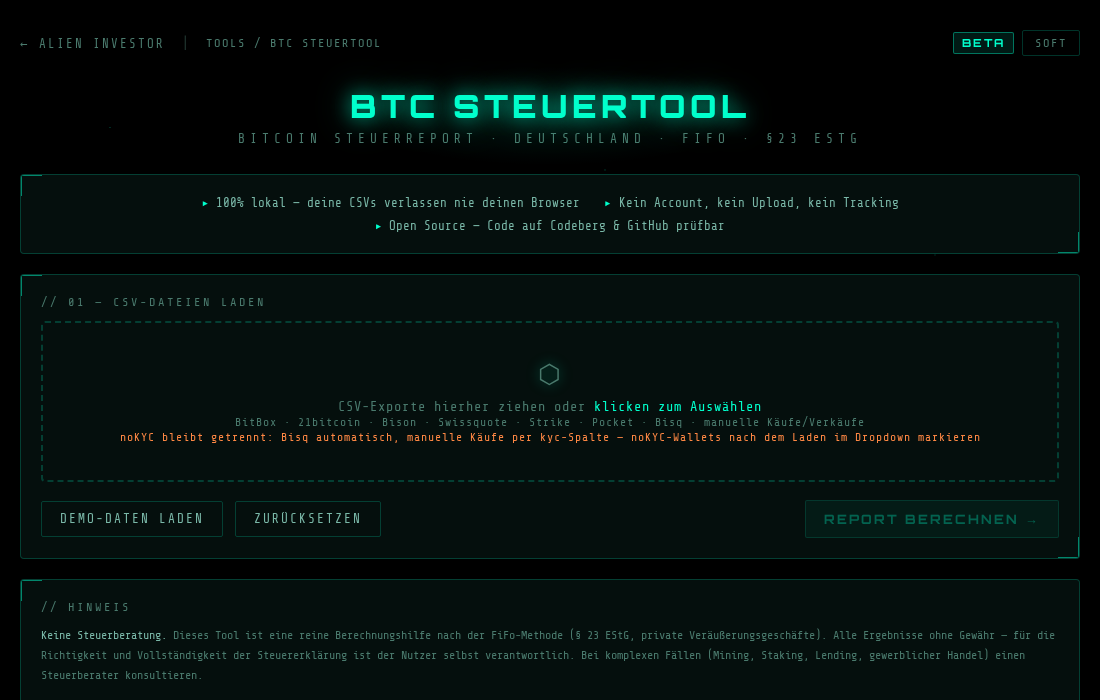
The start view: simply drag your CSV files into the dashed zone.
After loading, the table shows each file with its detected type. Entries marked orange are noKYC sources — they stay strictly separated from the tax office report:
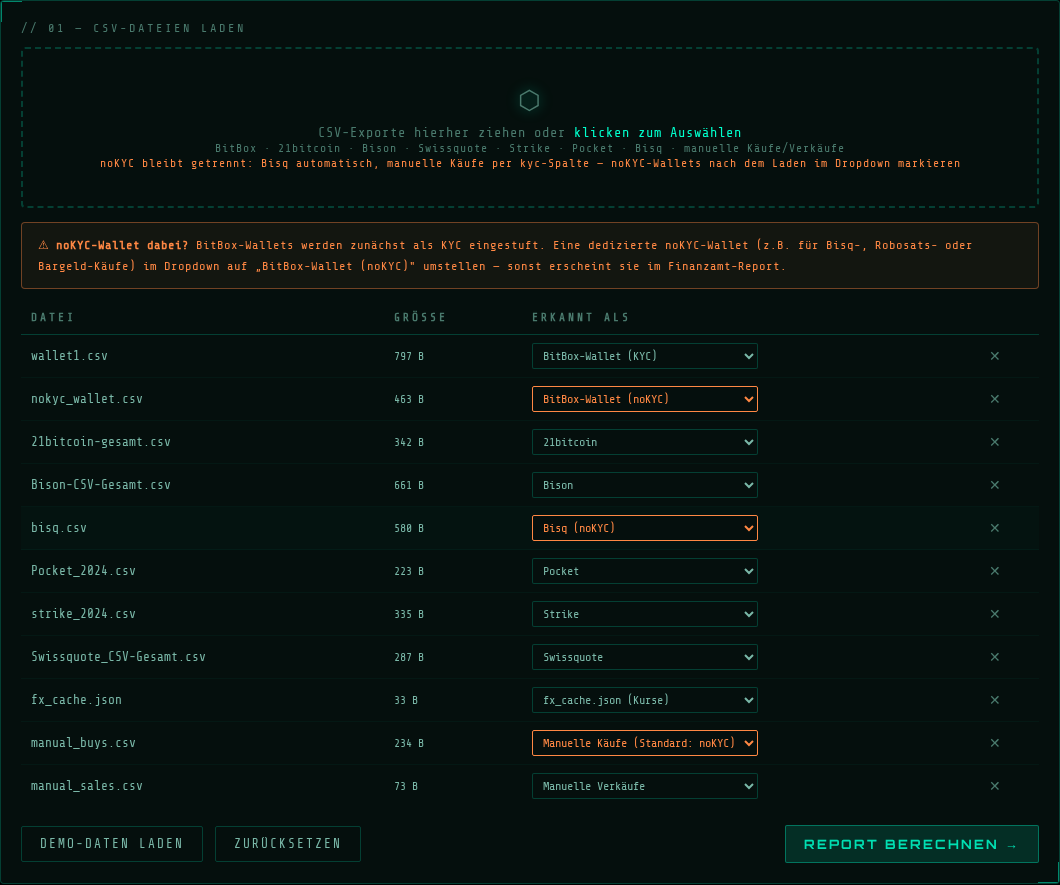
All files detected — Bisq and manual purchases automatically flagged as noKYC (orange).
A BitBox CSV cannot reveal whether the wallet holds KYC or noKYC coins — only you know that. If you run a dedicated noKYC wallet (e.g. for Bisq deposits), switch it to "BitBox-Wallet (noKYC)" in the dropdown. Otherwise it will appear in the official report. The orange hint box reminds you as long as BitBox wallets are classified as KYC.
If a file is not recognized, the calculation stays locked until you pick a type manually or set the file to "Ignorieren" (ignore) — so an incomplete report can never happen silently. Your broker missing entirely? Send the CSV header line (no real data) to kontakt@alien-investor.org — parsers are added continuously, and as a customer you get new brokers instantly, nothing to install.
One click on "Report berechnen" (compute report). On the very first run the app loads its Python environment into the browser — that takes a few seconds once, afterwards it is fast. The system log shows every step:
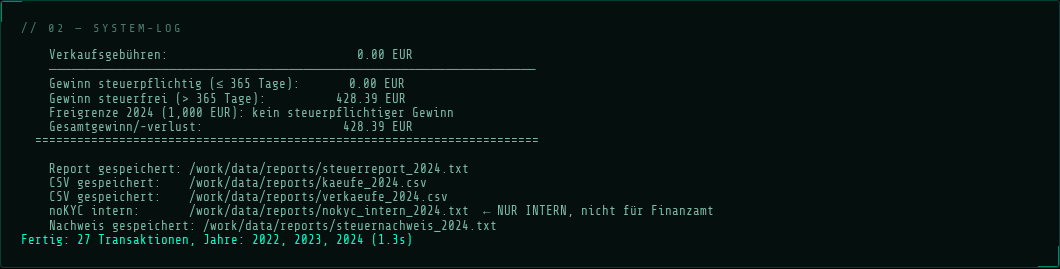
The system log: every file, every transaction, full transparency.
Why it takes a moment: The app loads a complete Python runtime into your browser instead of sending your data to a server. That is the price of real privacy — and you only pay it on the first run.
For every tax year you get several documents, switchable via tabs:
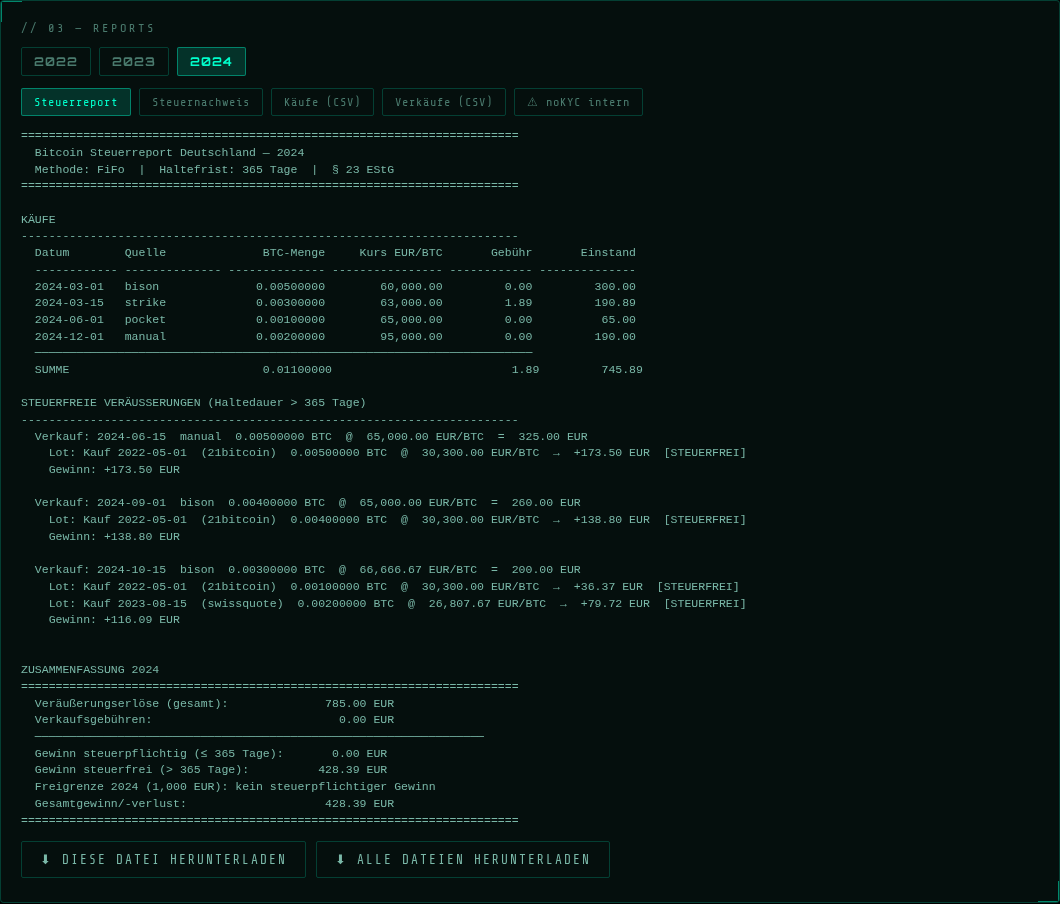
Year tabs on top, document tabs below — here the 2024 tax report.
| Document | Contents | For the tax office? |
|---|---|---|
| Steuerreport | Readable annual report: purchases, disposals with FiFo matching, holding periods, summary with exemption-limit check | ✅ yes |
| Steuernachweis | Formal, print-ready statement for your tax return or tax advisor | ✅ yes |
| Käufe / Verkäufe (CSV) | Tables for Excel/LibreOffice | optional |
| ⚠ noKYC intern | Your private overview of noKYC holdings | ❌ never |
Bisq purchases, manual P2P purchases and noKYC wallets end up in a separate internal document with its own FiFo pool. It starts with an unmissable warning:
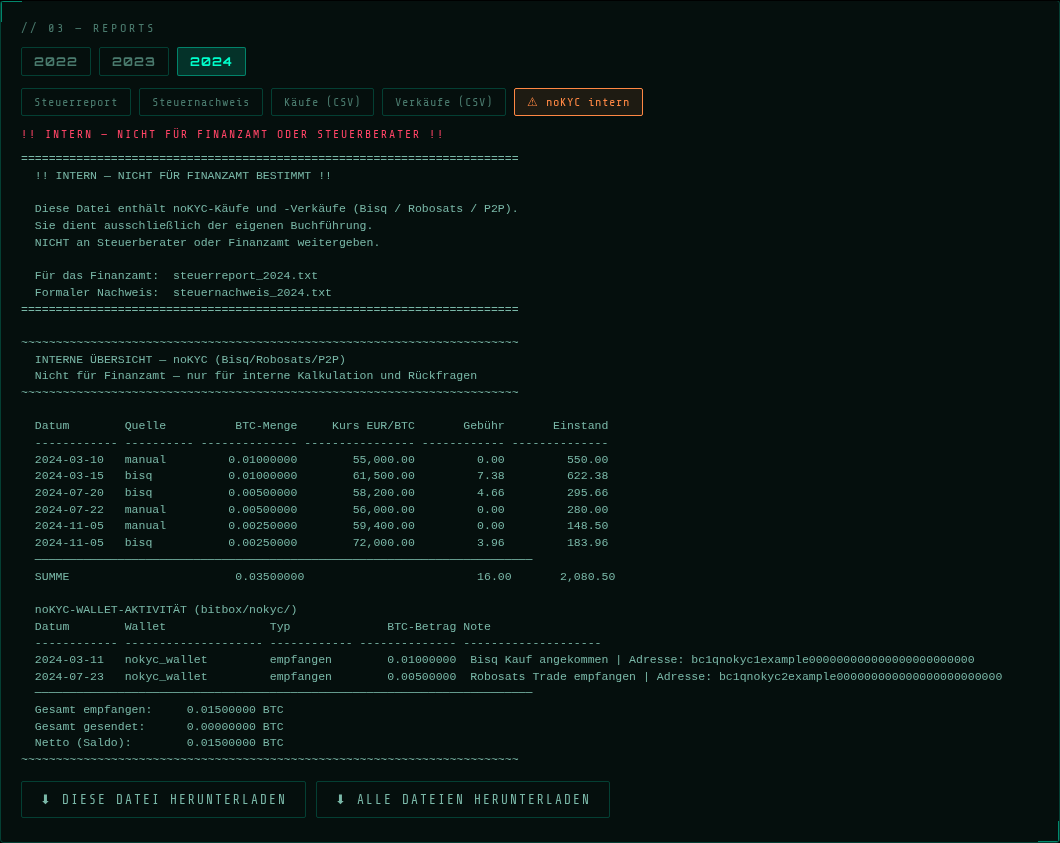
The red banner says it all: this file is for your own bookkeeping only.
Important: the separation serves your privacy and clean internal bookkeeping — gains from noKYC sales are still taxable and belong in your tax return. The document gives you FiFo matching, holding periods and gains for exactly that purpose.
Use the download buttons to grab each document individually or all at once. You file two things with the tax office:
steuernachweis_YEAR.txt), andThe statement shows under "Quelle" (source) exactly which broker supplied which lot — every sale is fully traceable.
The app converts them automatically using the historical daily rate. For that, your browser (only if needed) queries the open exchange-rate API frankfurter.dev — date and currency yes, amounts and quantities no. Anyone who bought exclusively in euros triggers no request at all.
The transferred holdings stay tax-neutral and keep their purchase date. The network or withdrawal fee paid in bitcoin, however, is booked by the app since August 2026 as a small disposal of the fee portion (BMF circular of 6 March 2025, paras. 54, 60): FiFo matching, valuation at the daily closing price, its own section "GEBÜHREN IN BITCOIN" in the report. Usually these are cents — but this way the reported holdings match your wallet. The price table ships inside the tool; your browser makes no network request for it.
Before exporting, put a word like "Spende", "Geschenk", "donation" or "gift" into the transaction note in the BitBox app. The app then classifies the row as a gratuitous transfer: no sale, no gain — but the coins leave your holdings, and the report lists purchase date and cost basis per lot, because both carry over to the recipient (Sec. 23 (1) sentence 3 EStG). Every row classified this way appears under "UNENTGELTLICHE ÜBERTRAGUNGEN" and the system log states the count — worth a quick check.
Interim solution: enter the purchases in manual_buys.csv
(date,btc_amount,eur_amount,note,kyc — for KYC brokers like Coinbase set the
kyc column to ja). And in parallel send the CSV header line to
kontakt@alien-investor.org — new parsers usually
land within days.
Yes — same calculation engine, same interface. In the demo you can download the sample data as a ZIP and drag the files in yourself — exactly like you will later with your real files. Or use the one-click "Demo-Daten laden" button. Your own files are only accepted by the full version with an access link:
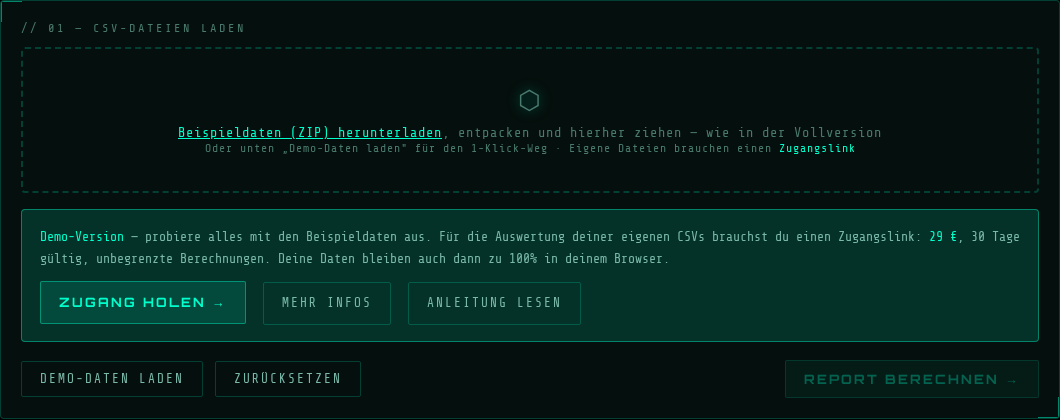
The demo: drag the sample data just like in the full version — your own files need the access link.
→ Try the demo
→ Get access — €29, 30 days, all tax years (Lightning, on-chain, fiat)
→ Background article: FiFo, holding period & German tax law